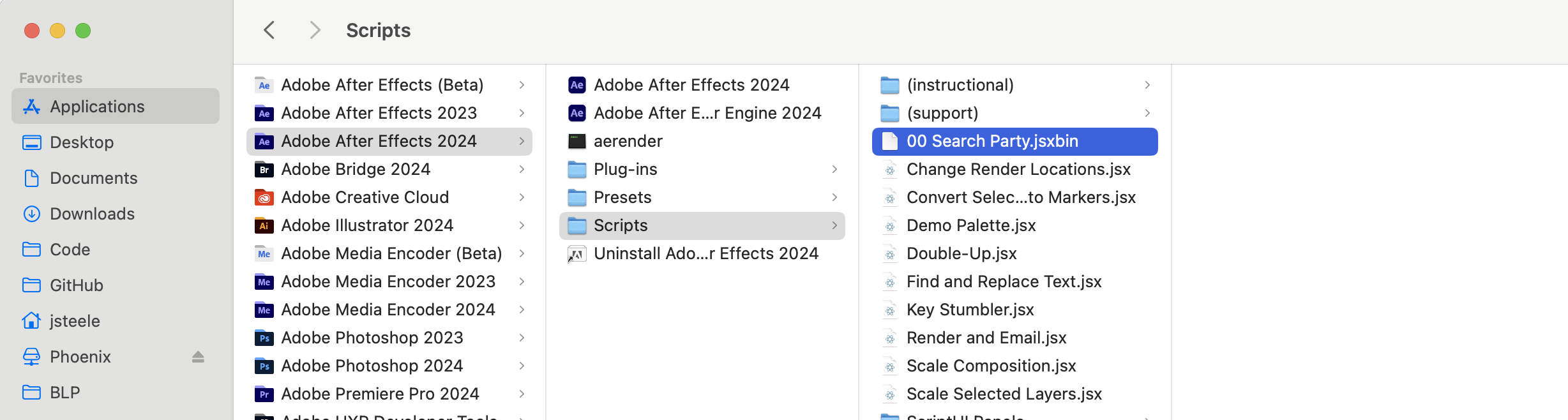
How to Install
Main Extension
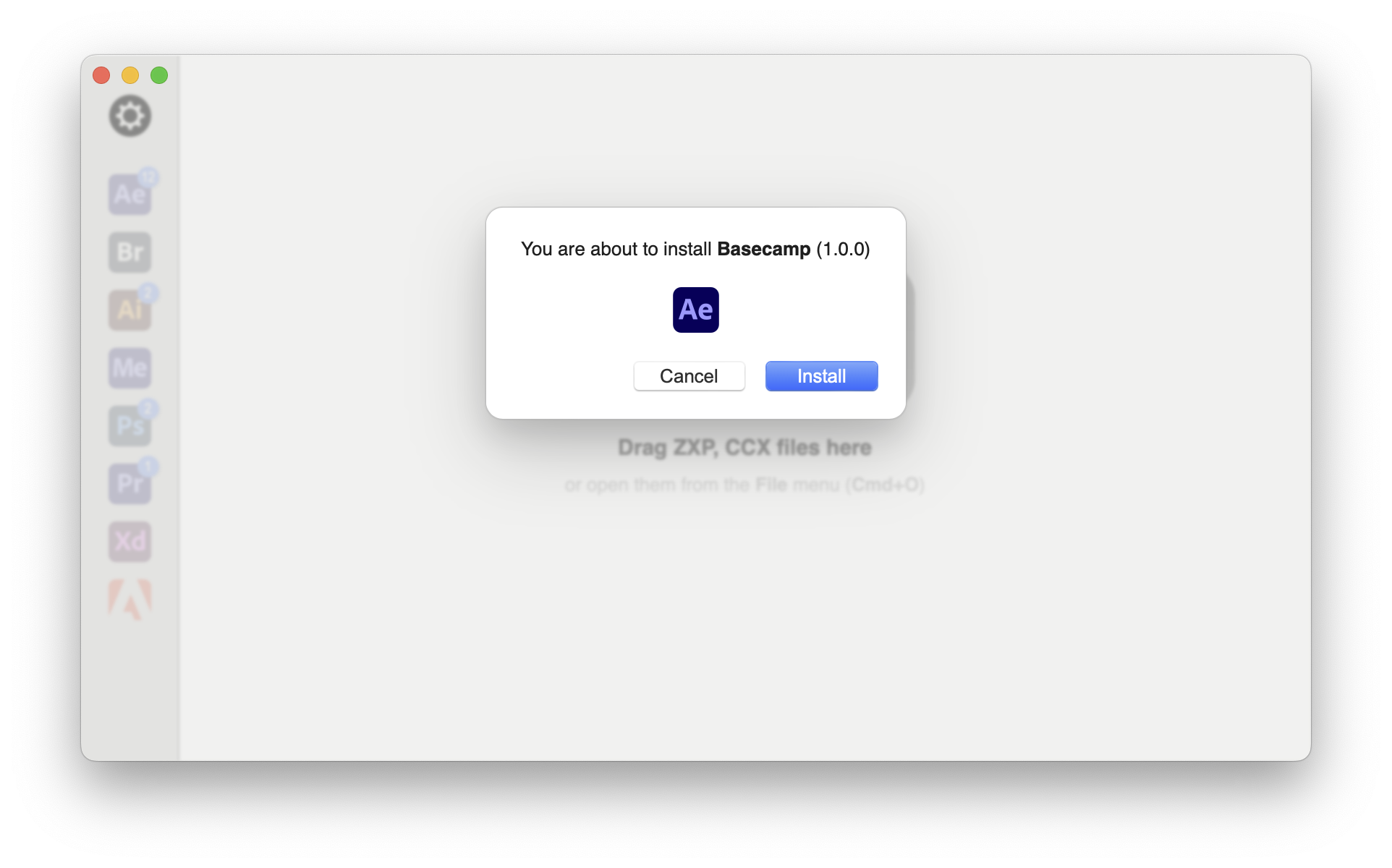
- Download and install the ZXP Installer from aescripts + aeplugins
- Drag the ZXP file from your product download and drop it onto the ZXP Installer.
- Follow the prompts to install it.
- Launch After Effects and go to
Window -> Extensionsand launch Basecamp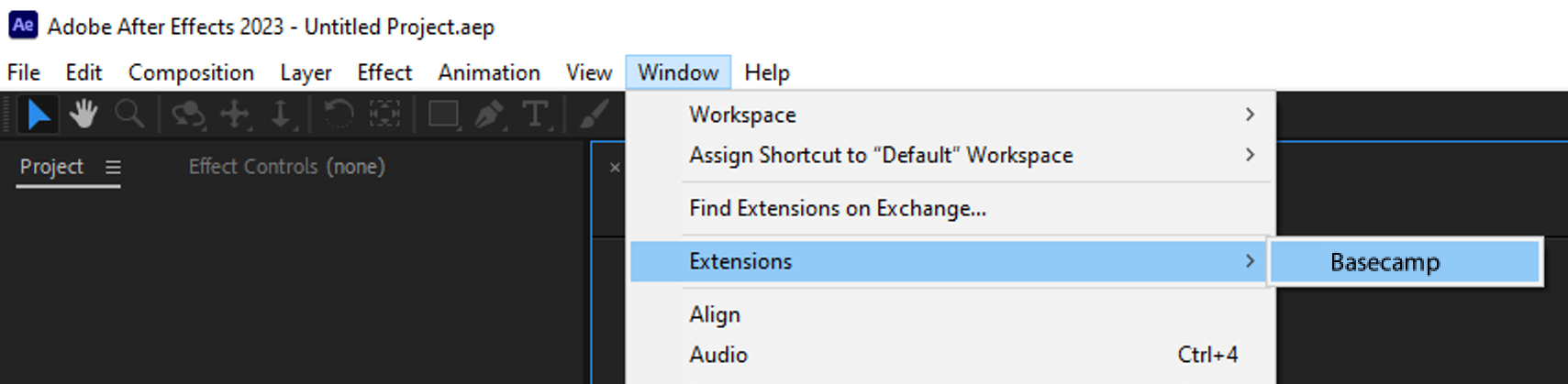
Search Party Script

- Copy the included
00 Search Party.jsxbinfile to After Effect’s Scripts Panels folder. You will find it in the following locations:
Mac:Applications/Adobe After Effects <version>/Scripts
Windows:Program Files\Adobe\Adobe After Effects <version>\Support Files\Scripts
- If you already have After Effects open, you will need to restart it after installing the script.